Define the tube position
Measure elevations and offsets from the reference surface to the tube centreline.
Matibend · Tube Bending Tools
Your digital partner in tube bending.
Matibend turns measured points into a three-dimensional tube model, checks the bending sequence, and guides the job from one bend mark to the next.
Explore the workflow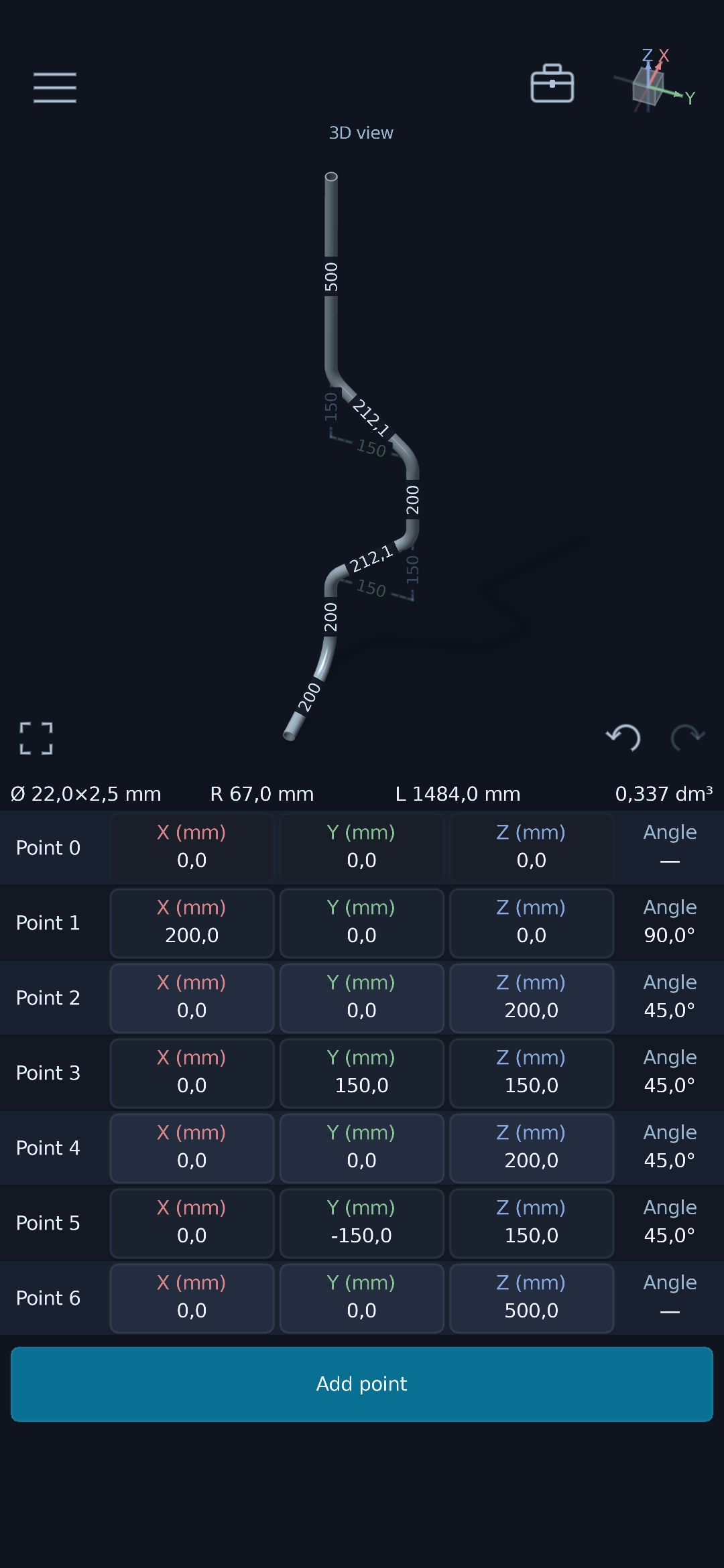
Design
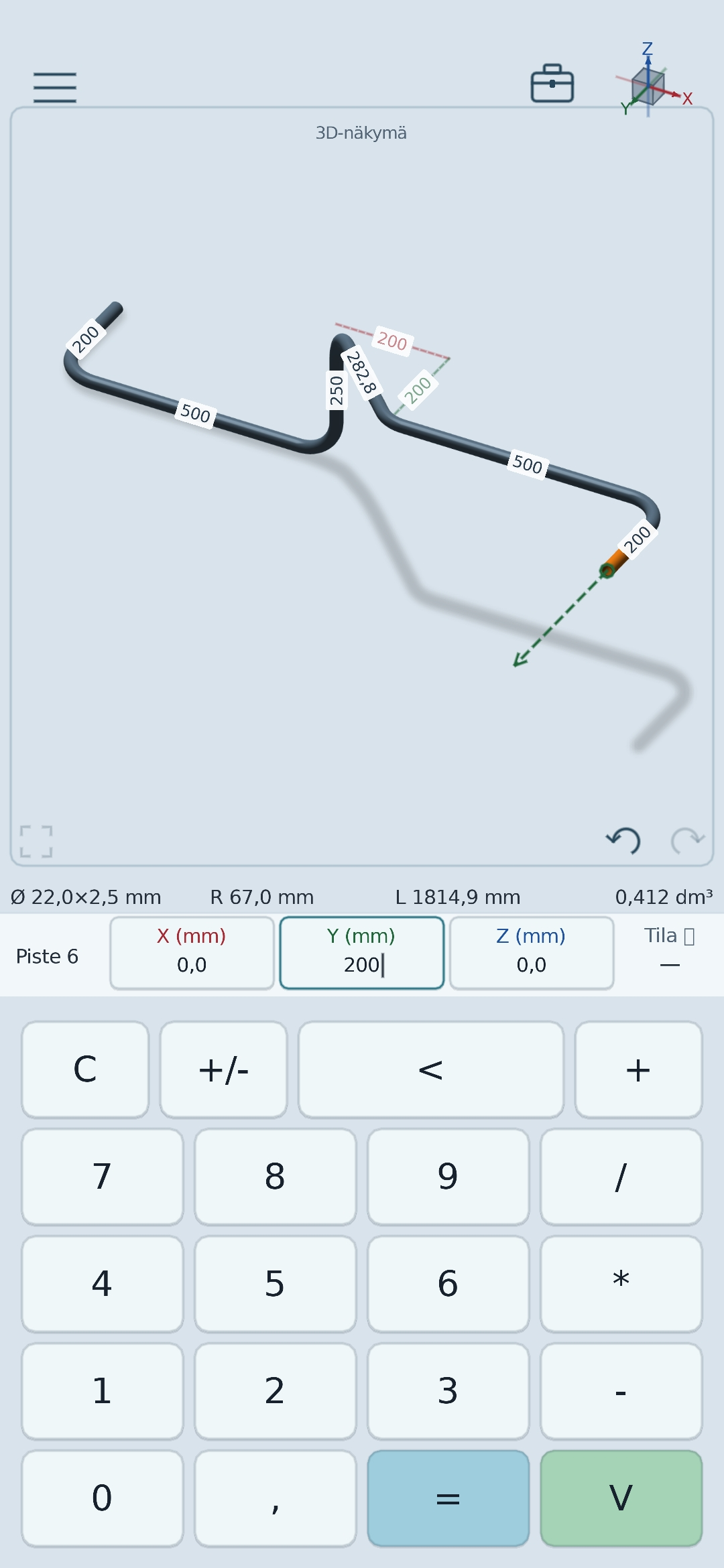
Enter points along the tube centreline in the X, Y and Z directions. Matibend builds the route, shows the bends and keeps the complete geometry visible before the tube reaches the bender.
Measure elevations and offsets from the reference surface to the tube centreline.
Coordinates make even a multi-plane tube route unambiguous.
Rotate the model and inspect its direction, dimensions and bend relationships.
Bending guidance
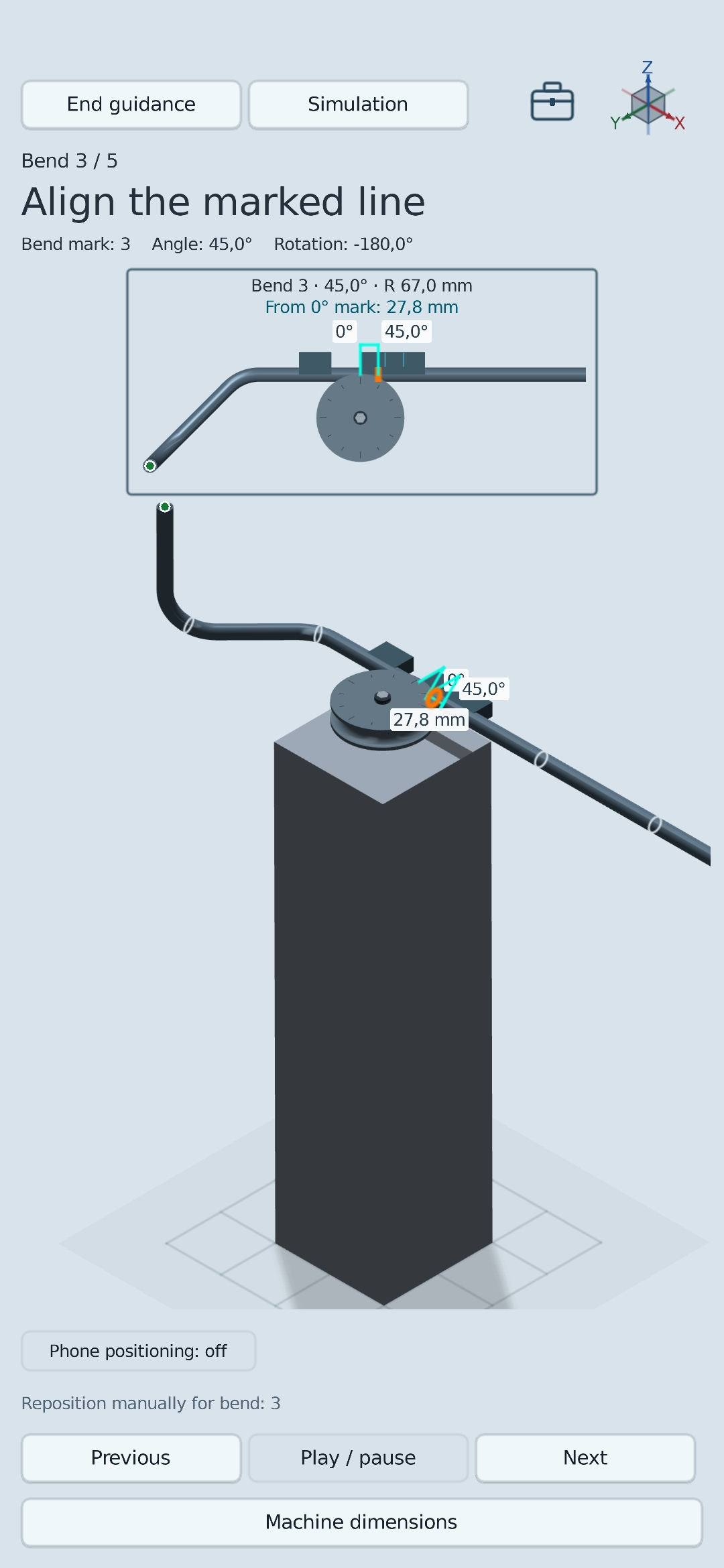
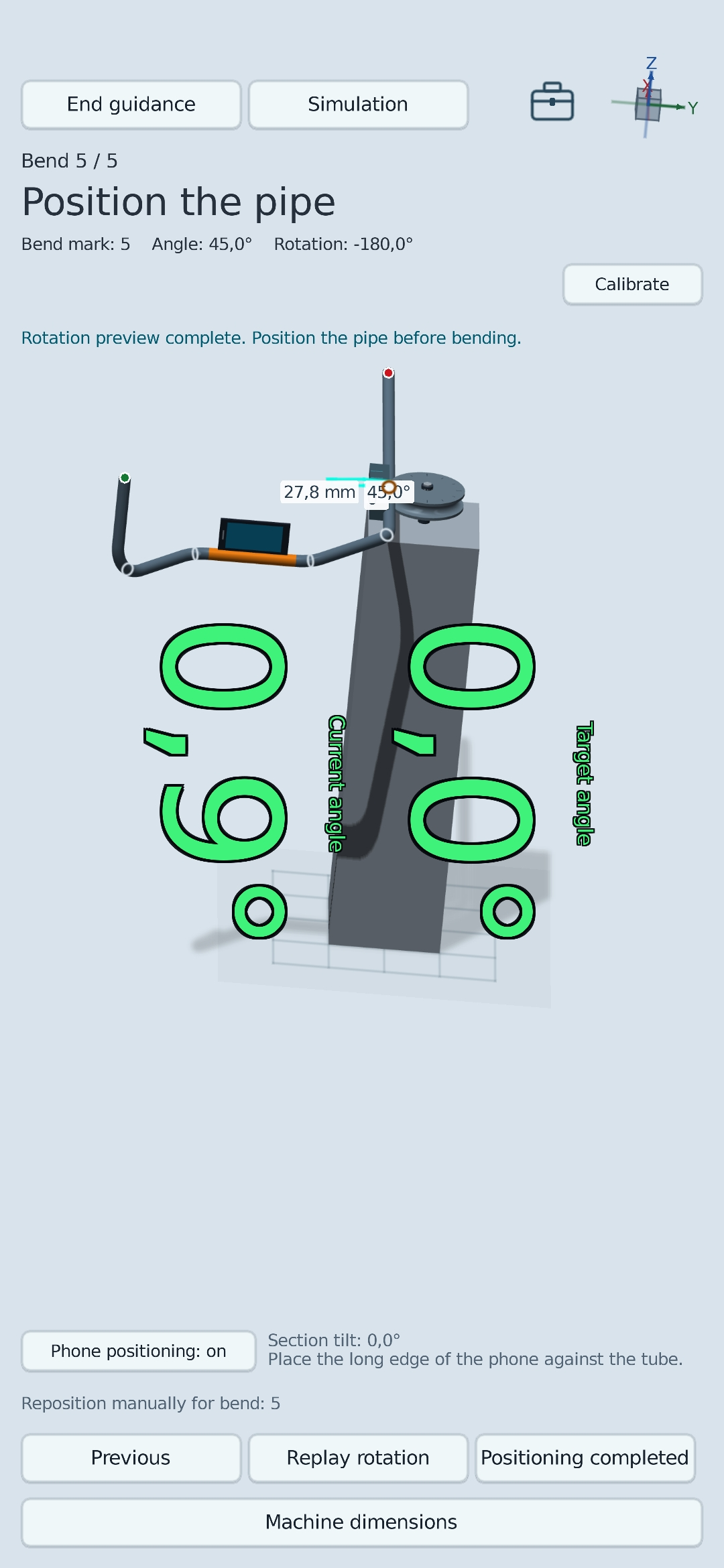
Matibend presents the bend mark, angle and tube positioning one step at a time. Phone sensors can be used to check tube inclination, while the 3D view keeps the required direction easy to understand.
Phone positioning
The phone sensors can be used to position the selected tube section. The large angle readout leaves the 3D model visible, so the physical position and model direction can be checked together.
Simulation and data export
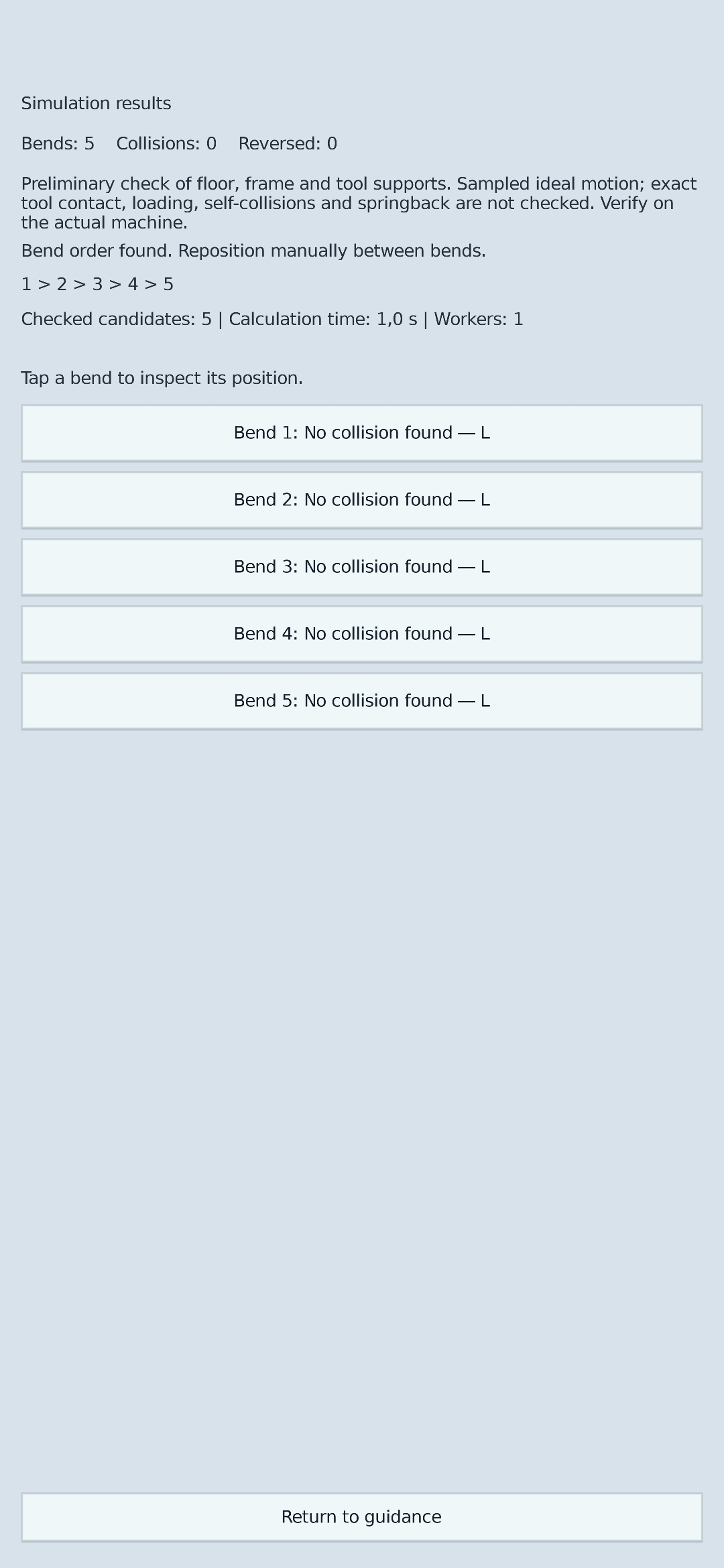
The simulation searches for a bending sequence and performs a preliminary check against the machine frame, floor and tool supports. The result helps identify problems before bending begins.
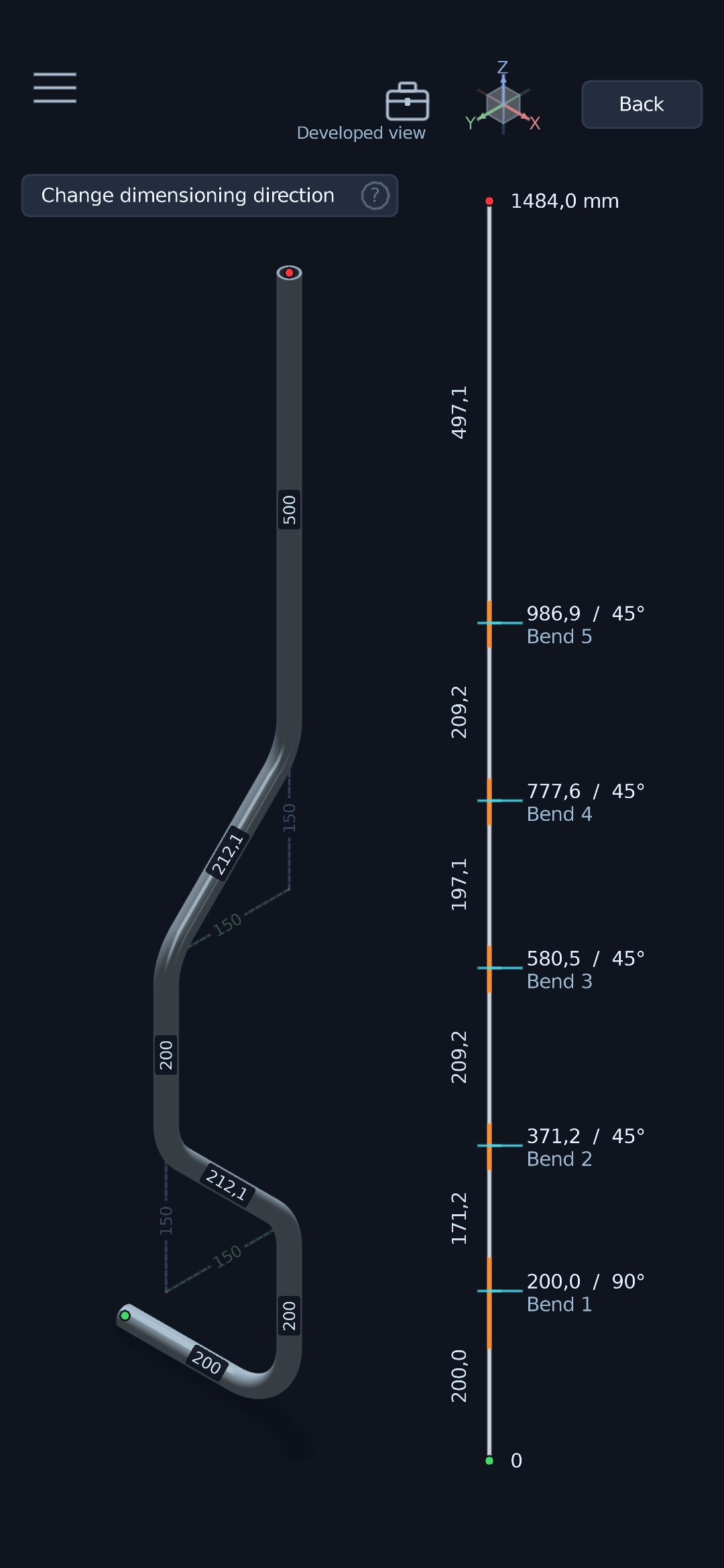
Export dimensions and work instructions as an easy-to-read document.
Transfer the tube's 3D geometry to CAD and downstream design.
Simulation is a preliminary check. Final feasibility must always be verified on the actual machine with the selected tooling.
On the job
Inspect the tube from different directions and align the view with the axes.
Check horizontal and vertical alignment with the phone sensors.
Identify dimensions that affect feasibility while the route is being designed.
Work in metric or imperial units to suit the job.
Coming later
The release date will be announced later.
The store buttons will be activated when the app is released.